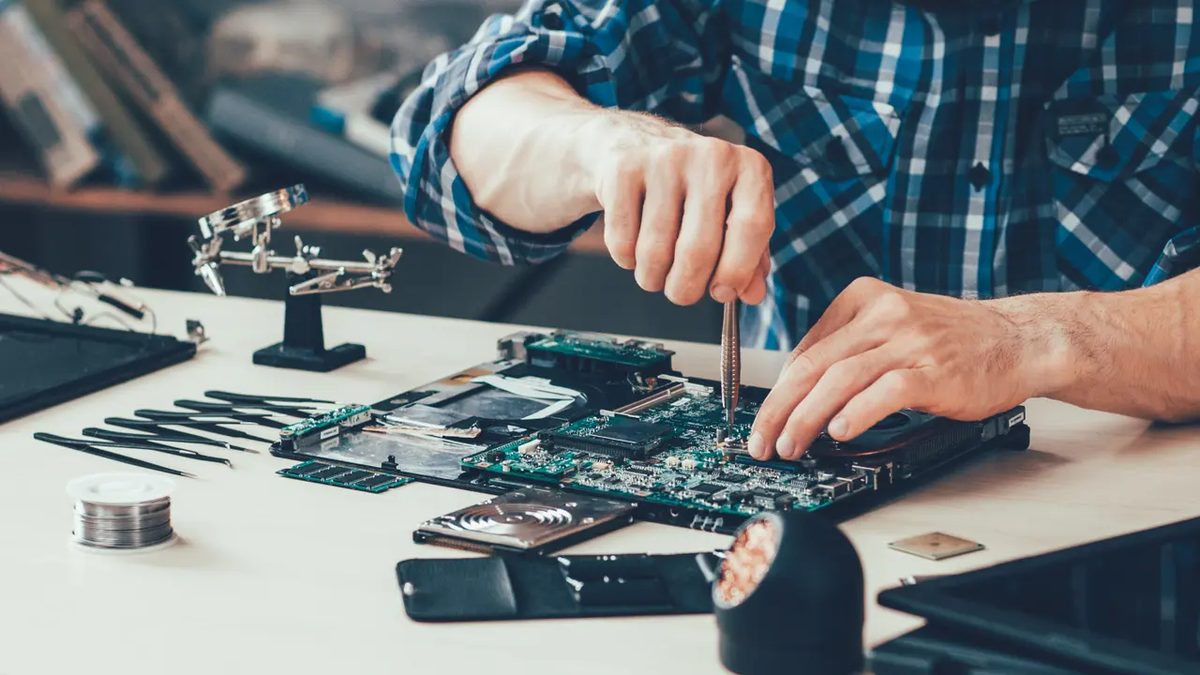
Computers are no longer just tools. They are safes. They store our photos, bank details, work drafts and sometimes our entire professional livelihood. Yet we treat them as devices. We plug them in, click, forget. This carelessness is dangerous.
Computer maintenance is a series of procedures required to maintain the optimal performance of IT equipment. Whether you’re a freelancer with a laptop or a company managing a server room, neglecting the health of your hardware is a risk you can’t afford. The possibility of failure is real. System vulnerabilities are real.
This is where computer maintenance comes into play. It is not a luxury service for IT elites. It’s basic practice for anyone who trusts the machine. When professionals intervene, they don’t just fix what’s broken. They restore order. They fix holes. They ensure that the system is back in a stable state, preventing the next disaster before it starts.
The hidden costs of “good enough”.
Think about the last time your computer slowed down. Or when a driver update broke your printer. Or the shock when a suspicious pop-up appeared. These are symptoms. They are the body language of a failing system.
Computers have a central place in today’s society. They contain sensitive information about our private life and business activities. A crash is not just an inconvenience. This is a potential data breach. This is lost revenue. It is hours of panic.
Regular maintenance guarantees safety. It ensures that your device works properly for both gaming and accounting. This allows you to perform all the necessary actions to ensure the proper operation of the hardware. Without it, you drive a car with bald tires and a leaking radiator and hope nothing happens.
Preventative care vs. emergency repairs
Most people don’t think about maintenance until something breaks. This is reactive. It is ineffective. It’s expensive.
Maintenance has two goals: to prevent problems before they occur and to correct faults as soon as they occur.
When doing preventive computer maintenance, you are acting in advance. You are checking for viruses. You are securing the operating system. You are clearing out digital clutter that slows down performance. You are updating software to patch security holes.
With regular maintenance, you can prevent future problems instead of reacting to them.
If you wait for the virus to infect your drive, it’s already too late. If you wait for the hard drive to click and die, your data could be lost. Preventive maintenance is insurance you really want to use. It keeps your system clean, safe and fast.
The alternative is a constant cycle of panic and repair. Why risk it? Your information is too valuable to leave to chance.
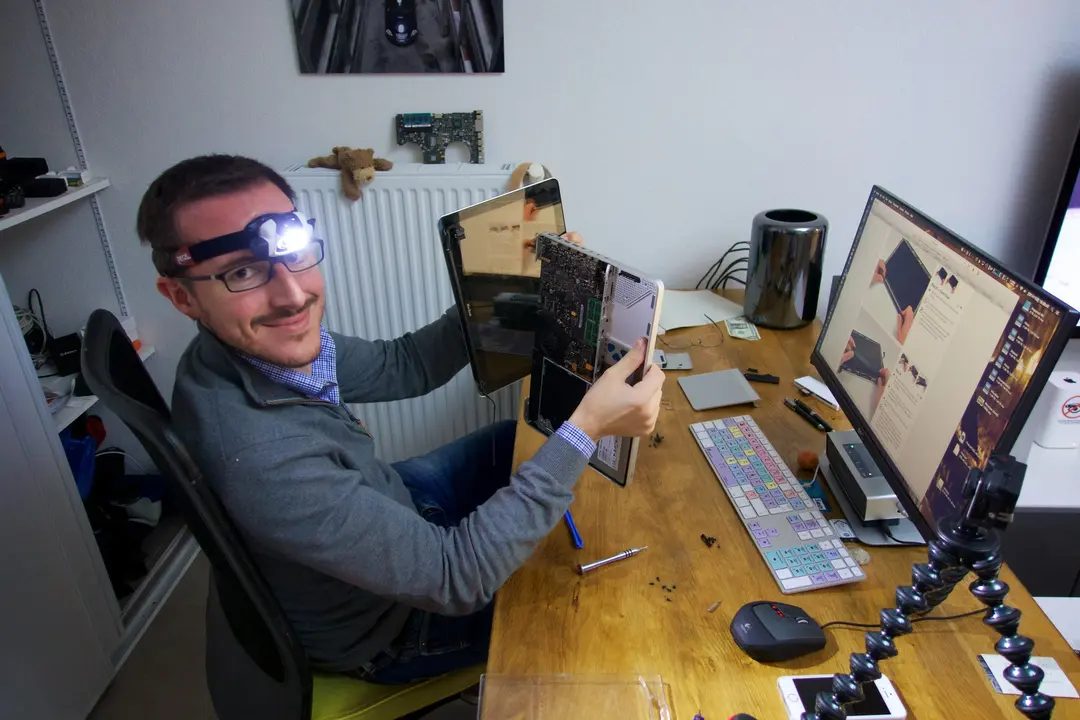
Skip the repair, you may need corrective maintenance. This isn’t just a quick fix. This is a process designed to fix system errors and get your computer working again. If the problem is serious, the maintenance period may be delayed. You may not be able to perform your daily tasks with a fully functional device. Not another laptop. There are no backups. Just a blank screen.
To avoid a major overhaul of your equipment, it is wise to have it regularly inspected by a professional.
How to perform computer maintenance
If your computer crashes, you need to take it to an IT repair shop. Technicians can diagnose and fix hardware or software problems. You should avoid servicing your computer yourself unless you know exactly what you are doing. Do-it-yourself fixes often make things worse.
Confidentiality and expertise are important. Take your device to a professional to solve the problem. After an accident, you may find that you didn’t react with the right instincts. You can also force shutdown or ignore warning signs.
Prevention beats correction
为了避免维修和突然故障,请尝试预防性计算机维护。 安装防病毒软件。 使用保护数据的工具。 这些步骤可以为您赢得时间。 他们不会给你带来免疫力。
计算机的使用寿命是有程序的。 再多的软件优化也无法阻止熵。 无论您如何努力,您的设备最终都会失败。
定期进行专业检查是避免设备出现大规模维护问题的唯一方法。
Why DIY often backfires
Most users try to solve the problem themselves. They loaded the “cleaner”. Delete the registry key. they guessed. At this point, corrective maintenance is necessary. The system becomes even more corrupt. Data will be lost.
Technicians use diagnostic tools that you don’t have access to. You can isolate the problem. Is it a memory? Motherboard? Driver conflict? You won’t know until you look. Still, you probably don’t know how to fix it without breaking anything else.
The hidden cost of downtime
想想你失去的时间。 这里一个小时。 在那里度过一天。 如果需要订购零件,纠正性维护可能需要几天的时间。 你被困住了。 生产力下降。 压力上升。
定期预防性维护可保持机器健康。 它能在小问题变成大问题之前发现它们。 及早修复风扇轴承比稍后更换烧坏的电源要便宜。
预防性维护实际上是什么样子
这不仅仅是安装防病毒软件。 它包括:
- 清除风扇和通风口的灰尘
- Checking for failing hard drives
- 更新驱动程序
- 检查系统日志是否有错误
对于专业人士来说,这些步骤只需几分钟。 对于不知道去哪里寻找的业余爱好者来说,他们需要花费几个小时。
何时离开键盘
如果您的计算机发出奇怪的噪音、运行过热或随机崩溃,请停止使用它。 拔掉插头。 不要尝试修复它。 将其发送给专家。
每台电脑都有一个有效期。 它会破裂。 你可以放慢速度。 你无法阻止它。 但您可以确保当它发生故障时,您不会被蒙在鼓里。