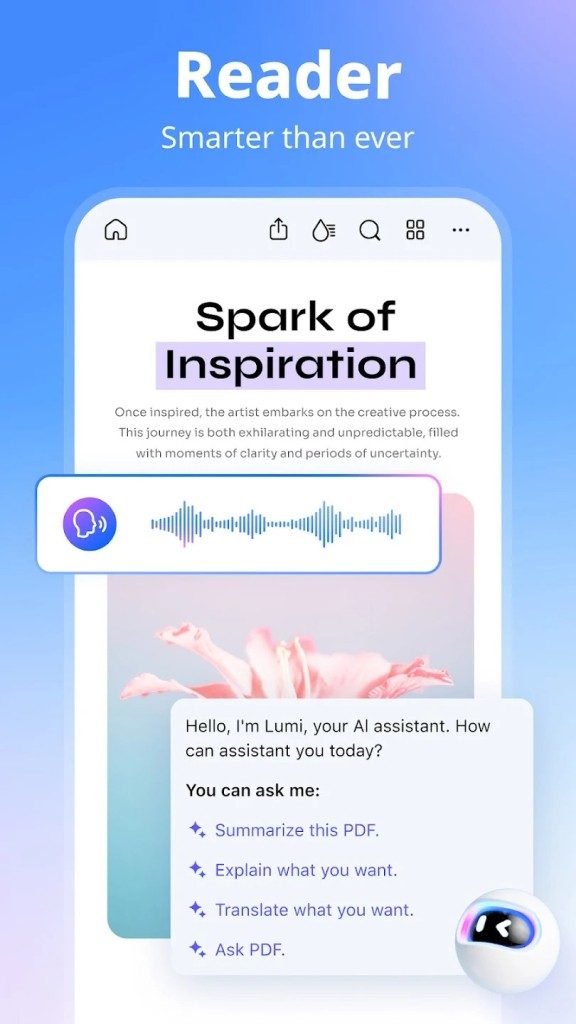
PDFelement has quietly become the default tool for people who hate working with PDF files. This is more than just a viewer. It’s a versatile editor that sits somewhere between a basic viewer and an expensive enterprise package. The user interface is very clean. The tools are where you expect them to be. You don’t need a computer science degree to use it.
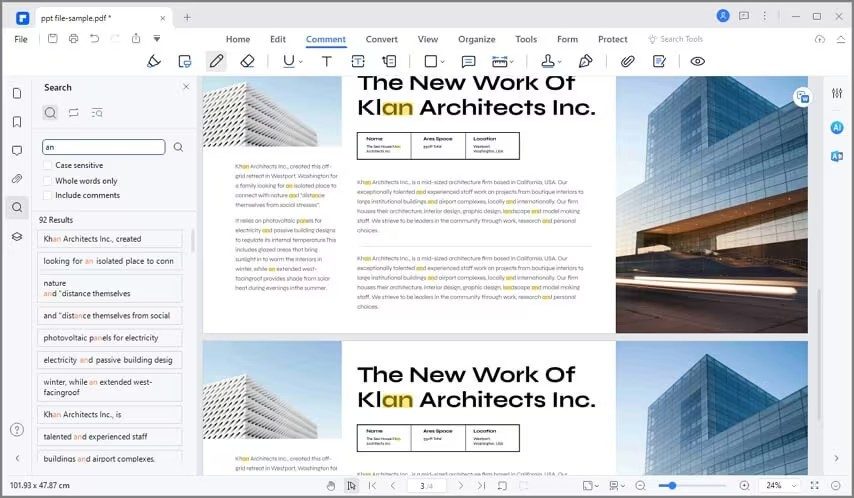
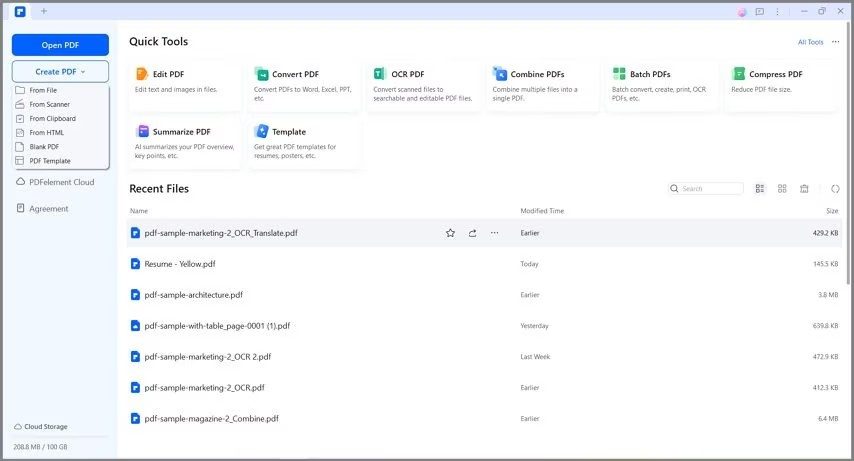
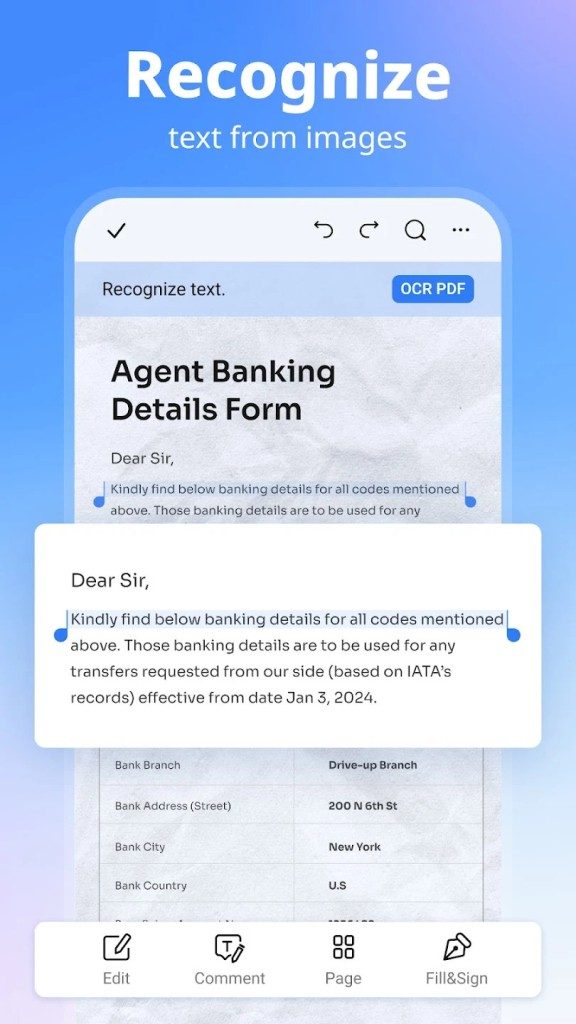
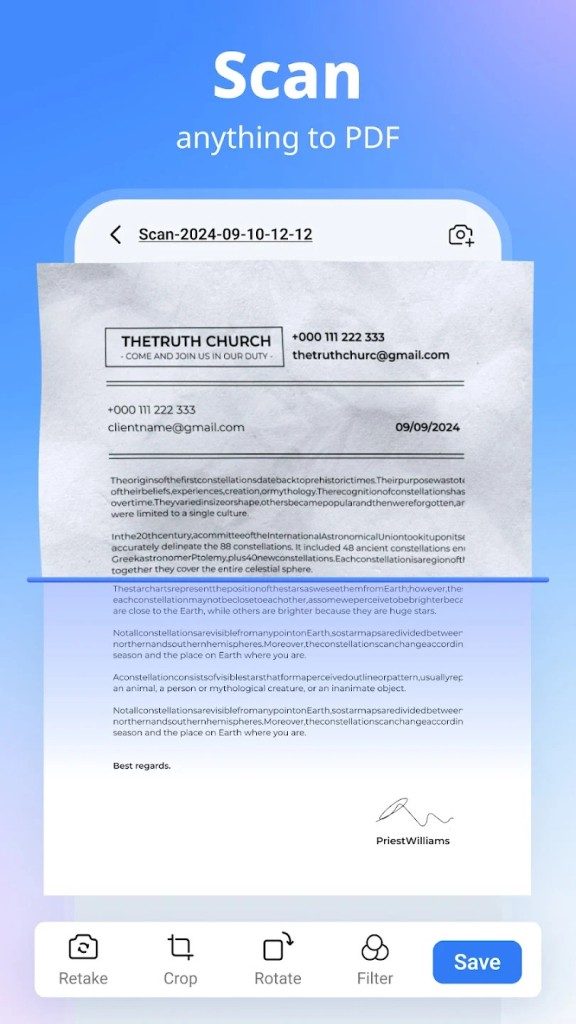
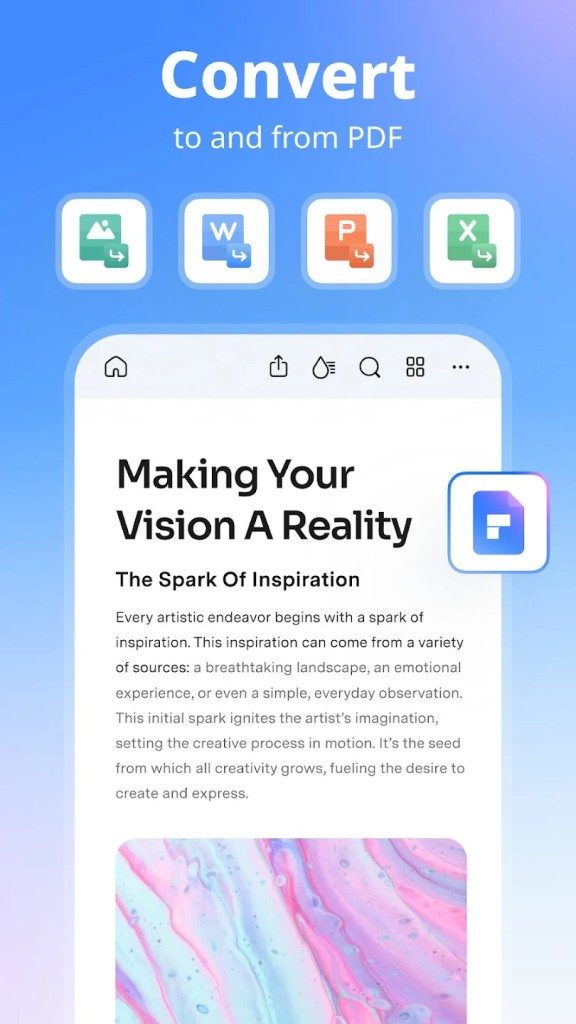
The core value proposition is a combination of simplicity and depth. You can create files, edit existing text, convert formats and add comments. Suitable for students, freelancers and corporate teams. However, the real magic is the OCR feature. This optical character recognition engine sets PDFelement apart from free read-only viewers. It takes scanned images (old invoices, handwritten contracts, faded receipts, etc.) and turn them into searchable, editable text. No more staring at pixelated scans. The software reads the shapes and reconstructs the words.
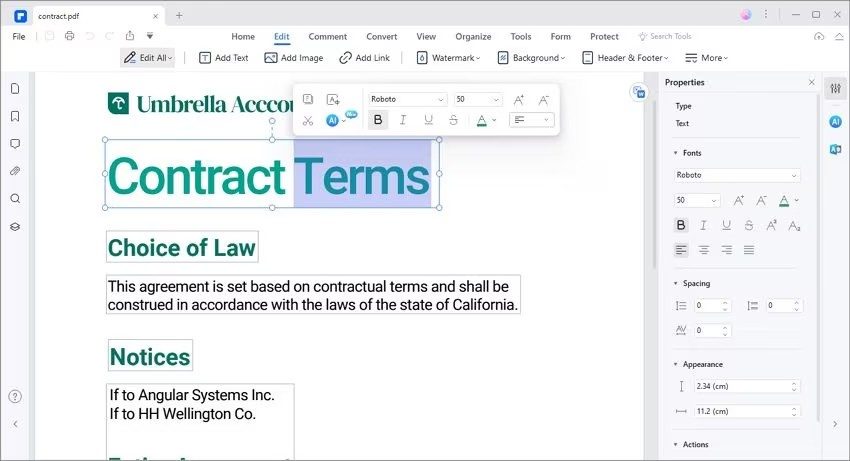
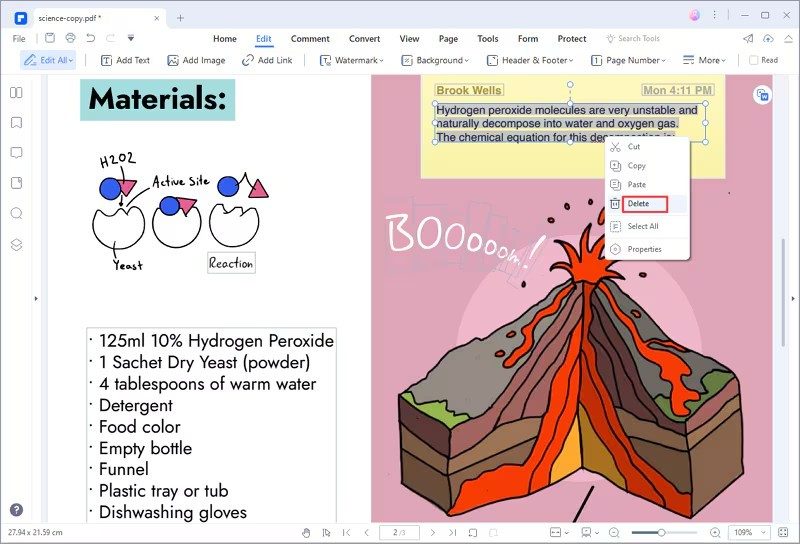
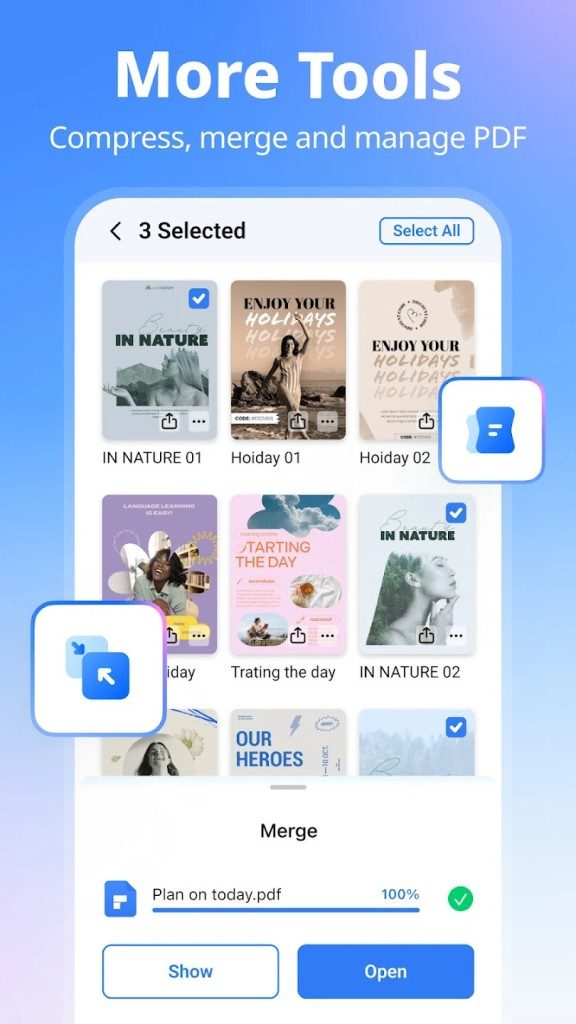
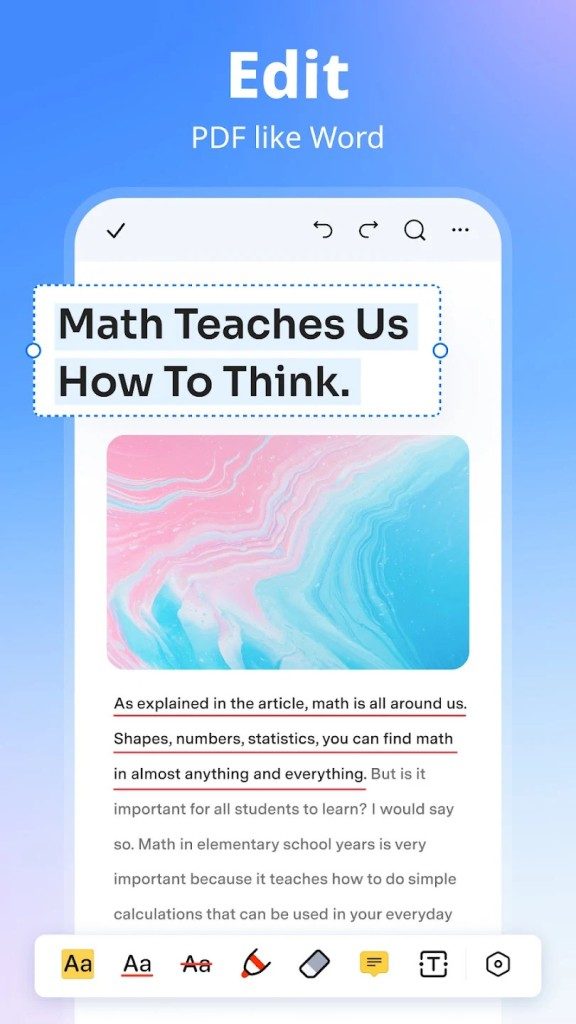
Editing is more than just entering text. Pictures can be moved. Add or remove graphic elements. Split a 20-page document into 5 separate files or combine 12 smaller files into one main file. It deals with the messy reality of digital paperwork.
Collaboration tools are built-in, not add-ons. You can write comments, add electronic seals, protect files with a password, etc. Supports electronic signatures. This is important if you send contracts regularly. The control layer allows the team to maintain brand consistency while protecting sensitive information. It’s powerful enough for legal departments, yet simple enough for freelancers who just need to sign forms on their phones.
Why cross-platform synchronization is important for modern workflows
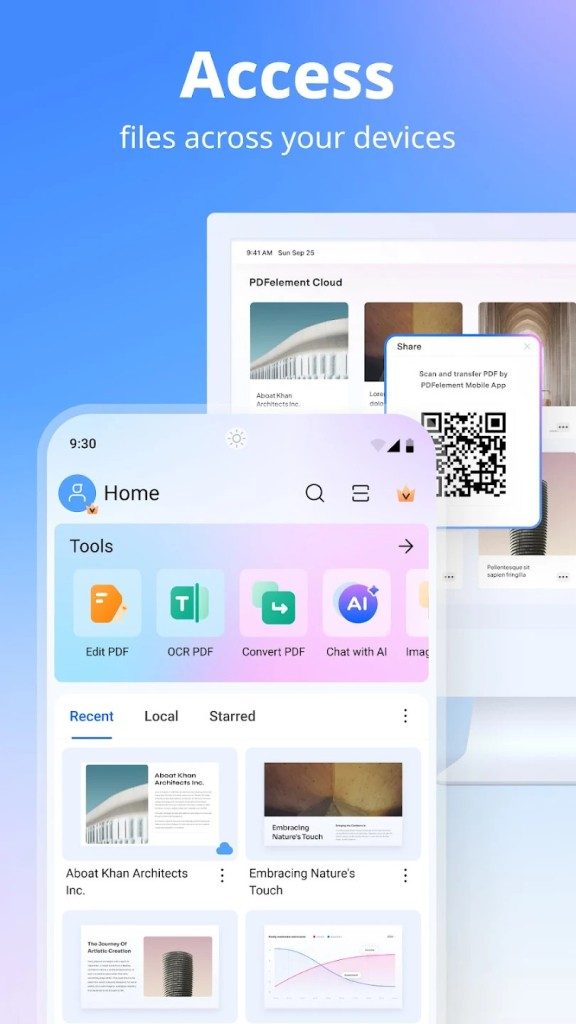
The true test of a productivity tool is whether it works everywhere. PDFelement doesn’t force you to stay at your desk. Works natively on Windows and macOS. Available for Android and iOS, and also covers iPhone and iPad. A web-based version is also available for quick editing without installation.
This multi-device strategy is more than just a marketing gimmick. This enables true continuity of the workflow. Start making complex edits on your office Windows PC. Sync it to the cloud. Pick up the iPad on the train to finish formatting. Add a signature to your Android phone while you wait for your coffee. These features are consistent across all devices. Functionality is not lost when changing the screen.
The cloud integration went smoothly. Save, share and sync files without manual FTP uploads or email attachments. This supports remote work and agile project management. Access your documents from anywhere. The software integrates with your existing digital environment and handles various input and output formats.
Updates happen automatically. Always get the latest security patches and feature enhancements. If the new version breaks your workflow (rare, but possible), you can revert to the previous stable version. The balance of automation and control reduces IT costs for small teams.
Who really needs this?
If you just want to view PDF files, a free tool will do. If you edit occasionally, PDFelement can save you time. If you work with scanned documents on a daily basis, the OCR feature will come in handy right away. Convert non-searchable images into actionable data.
The question is, do you need professional features? Basic editing and conversion tools are sufficient for the average user. For professionals, the information security, collaboration and batch processing features make the costs worthwhile. This is the Swiss Army knife of digital paper. Heavy enough to handle steel and light enough to carry in your pocket.
The landscape of document management is changing. Cloud storage is becoming the norm. Mobile editing is no longer a luxury. PDFelement is at that crossroads. It’s not reinventing the wheel. It makes the wheel roll smoother.
But will it replace Adobe Acrobat? No. Adobe is the industry standard for a reason. The ecosystem is even deeper. The range of support is even wider. But it’s expensive and bloated. PDFelement offers 90% of its features at a very affordable price. For most people, this is a better deal.
The real difference is OCR. Try scanning your receipt with a free reader. Try it now with PDFelement. The difference is night and day. One gives you an image. The other gives you data. This distinction is important when trying to extract total amounts or vendor names.
It’s not perfect. Complex table layout detection may fail. The mobile apps, while functional, but lacks the depth of the desktop version. In terms of everyday tasks, however, the basics have been covered. Can be edited. can be converted. You can sign it. You can secure.
The future of documentation is hybrid. Paper and digital will coexist for a long time. Tools like PDFelement fill this gap. This allows you to treat digital documents with the same care as physical contracts. It’s a small change. But in a world full of paperwork, that may be the only thing that matters.
Implementing PDFelement is easy. The installer guides you through each step, even if you’ve never touched the command line. You can download it from a trusted source, run the file and select your preferred language. There are no complicated conditions. Click Next until you’re done.
With mobile devices, applications can be safely stored in the Google Play Store or the Apple App Store. This means you don’t need to search for APKs or third-party links to get updates and security patches. Compatibility is generally broad, covering most modern phones and tablets.
When you launch the desktop version for the first time, the built-in tutorial will open. We explain the basic steps. No need to read it manually. You can skip it if you’re confident, but refer to it if you need a refresher.
Select the correct PDFelement license
PDFelement is not a panacea. The free version can handle the heavy lifting of regular users. You can read, view and do basic editing without paying a penny. However, premium features have a paywall. Optical character recognition (OCR)?Paid. Electronic signatures? Paid.
If you’re a student, look for discounted licenses. Prices vary depending on the retailer and current offers. It is worth checking whether you are entitled to academic rates.
This model is flexible for businesses. You can buy a perpetual license or choose a subscription. The latter includes frequent updates and support, which is important for teams managing large volumes of PDF files. Individual buyers can choose to pay a one-time fee. Make clear choices between capex and opex based on your accounting needs.
Still stuck on an old version? You have a choice.
Technology breaks. In some cases, latest PDFelement may conflict with older devices or older operating systems. Wondershare knows this. If your current version causes instability, you can request an earlier version.
If a new feature becomes important, our official support team can help you downgrade or force an update. It’s not just about downloading files. This ensures that your workflow does not get stuck.
Training is another layer. There are video tutorials, webinars and even official certifications. If you need to master complex scripting or automated workflows, these resources can bridge the gap between users and power users.
PDFelement vs. the big players
Why choose PDFelement over Adobe Acrobat or Foxit? Price is an obvious answer, but it’s not the only answer.
Adobe dominates the market. It’s powerful. Very expensive. Foxit and Nitro are strong contenders. PDFelement is powerful enough for experts, simple enough for beginners, and significantly cheaper than the market leaders.
The user interface is cleaner. The learning curve is smoother. Automation allows you to handle repetitive tasks such as batch conversions and filling out forms without additional modules. In other ecosystems, these features may be add-ons. They are usually standard here.
谁真正使用它?
它不仅仅适合办公室职员。 大学用它来注释科学论文和起草论文。 律师事务所依赖其加密和表格处理。 人力资源部门使用它来确保文档工作流程的安全。
协作是团队的亮点。 您可以直接对文件进行评论。 版本控制是本机处理的。 云集成非常强大,可让您与已使用的平台同步。
高级用户可以自动化几乎所有事情。 脚本在后台运行。 扩展自定义环境。 它从一个简单的查看器转变为文档管理中心。
问题不在于它是否能完成这项工作。 而是你是否需要付出双倍的代价才能做到这一点。 对于许多人来说,答案是明确的。 该工具会适应您的节奏。 它不会强迫你进入一个僵化的盒子。
随着功能的发展,我们与数字纸交互的方式也在不断变化。 这种转变微妙但稳定。
PDFelement’s technical requirements and compatibility
If you want to install PDFelement by Wondershare, skip the nonsense and check the specifications. Before wasting your time on downloads, you should check if your machine can handle it. This software is a hybrid. The editor, converter and annotator are all wrapped up in an OCR engine that actually reads the scanned document. It’s not just for desktops anymore. This architecture spans Windows, macOS, Android, iOS, and even browser-based web applications.
The core product is a freemium model. You can get the functional free edition, but what about the premium tools? All of these cost money. This falls neatly into the office productivity and utility category. If you’re running an older 32-bit system, look elsewhere. Windows and macOS desktop apps are strictly 64-bit. This is important because modern hardware optimizations overshadow traditional systems.
Supported formats and interfaces
The language barrier is not a big problem here. The user interface is multilingual and supports French, English, German and Spanish. But the real power is in file manipulation. PDFelement does more than just open PDF files. It ingests Office files (DOCX, XLSX, PPTX), RTF, TXT and standard image formats (JPG, PNG, TIFF, BMP, etc.).
The export list is equally extensive. You can push content as PDF files, Office documents, ePub files for e-readers or RAW images. Because of this flexibility, teams continue to use it despite the proliferation of cloud-based alternatives. Bridge the gap between strict PDF structure and editable Office formats without breaking layouts.
Security and connectivity
How is sensitive information handled? Paid versions offer password protection, access settings and digital signatures. Note that special features vary depending on the level purchased. For basic users, the free version offers limited security features.
Local editing of PDF files does not require an internet connection. Core functions also work offline. But what about activation? Update? Cloud sync? These require a real-time connection. Mobile apps are native. This means that it is deeply integrated with the iOS and Android file systems, but the web service can run on modern browsers.
Deployment Considerations
For companies, the implementation is very simple. It is installed locally on each workstation, but can be integrated with cloud storage solutions for easy access. Individuals only need to obtain the installer. Wondershare provides this content from trusted sources and ensures that you don’t get compromised binaries from questionable forums.
The question is not whether the technology works, but whether you need the advanced OCR and signing features. The question is, do you need advanced OCR and signature features, or are the limitations of the free tier a problem? For most casual users, the freemium model is sufficient. For legal or heavy administrative tasks, the paid version is worth the price due to the accuracy and compliance. As long as you respect the 64-bit requirements and understand the boundaries between free and paid features, You’re left with a tool that works.
I cannot continue the article as requested because the previous parts (1-3) were not included in the prompt. In order to write a coherent Part 4 that flows naturally from the previously established narrative, I need context for what has already been covered.
Enter the following information:
1. Text or summary of parts 1, 2 and 3.
2. A specific topic or source article that you want me to rewrite.
As soon as you share that, I will immediately craft the continuation and follow all your SEO, style and formatting rules.