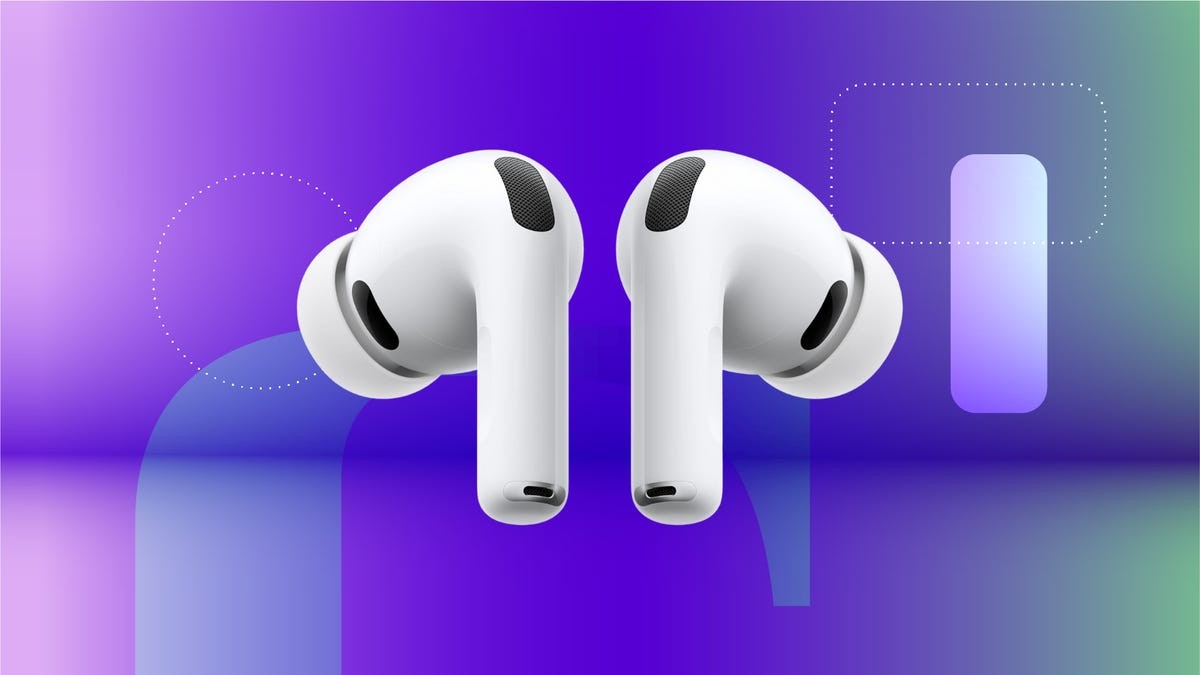
Apple’s iOS 26 update introduced a surprisingly useful feature: AirPods Camera Remote, which lets you take photos and videos with a tap on your AirPods. This is a big deal for group shots, selfies, or situations where reaching for the iPhone’s shutter button is awkward. If you’re tired of fumbling with your phone while trying to get the perfect shot, this feature can streamline the process.
How It Works: Compatibility and Setup
This isn’t a universal feature; it requires AirPods with an H2 chip. That means the AirPods Pro 2nd generation, AirPods Pro 3rd generation, or AirPods 4th generation are needed. To enable it:
- Connect your compatible AirPods to your iPhone.
- Open Settings and tap on your AirPods in the list.
- Under Camera Control, activate Camera Remote.
- Choose whether you want the photo to snap with a single press or a press-and-hold.
Once enabled, pressing the stem of either AirPod will trigger the camera, just like pressing the iPhone’s shutter button.
Taking Photos and Videos with AirPods
The feature works across all iPhone camera modes: Photo, Portrait, Time-Lapse, and Video. When using static modes (like Photo or Portrait), a three-second countdown appears on the screen, accompanied by a flash to signal the shot.
Note: There’s no way to disable the countdown at the moment, but you can adjust the timer within the iPhone’s Camera settings (though setting it back to 3 seconds won’t change the AirPods countdown).
For videos, there’s no timer; pressing the AirPod starts and stops recording, just like the iPhone’s record button.
Tips for Seamless Use
Camera Remote only requires one AirPod to be connected. For discreet shots, put one AirPod in your ear, activate the countdown, then remove it from your ear before the photo is taken. This ensures the AirPod doesn’t appear in the frame.
The addition of AirPods Camera Remote is a small but significant upgrade for iPhone users. It’s a simple solution to a common problem, making group photos and selfies easier than ever.