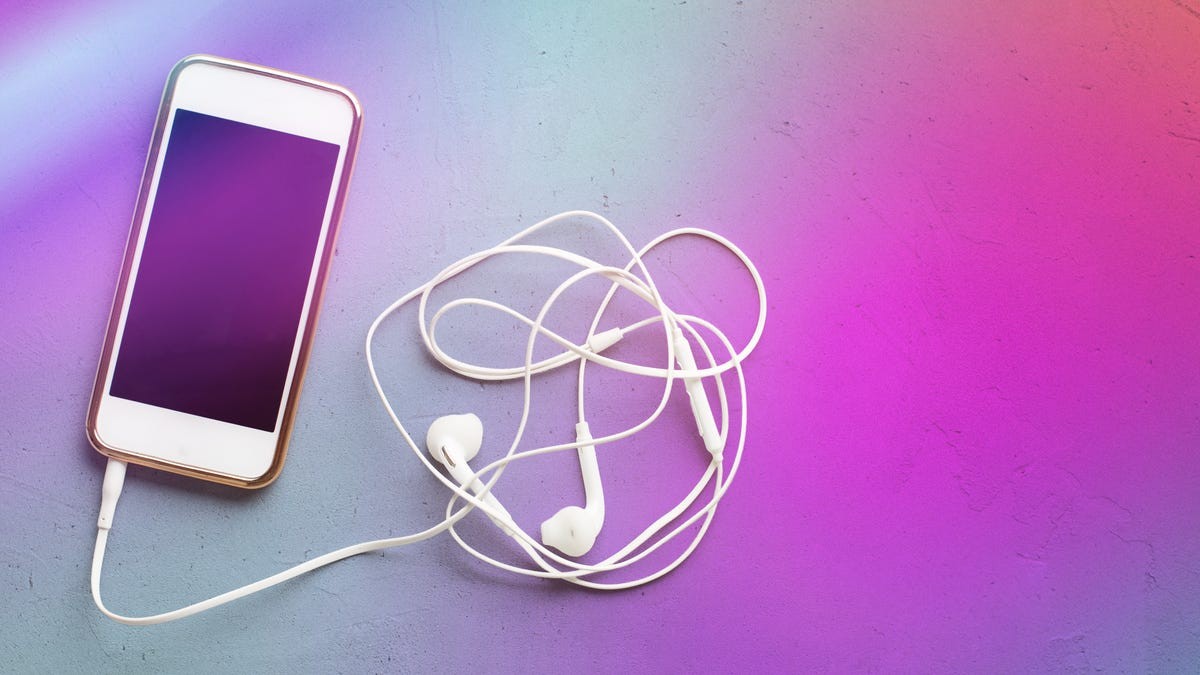
The smartphone era largely signaled the end of the dedicated MP3 player. As mobile devices became multi-functional powerhouses, the single-purpose music player—once a staple of every teenager’s pocket—became a redundancy. This shift was perfectly illustrated by the decline of the iPod, which saw its sales peak in 2008, just as the iPhone App Store launched, and was eventually discontinued entirely in 2022.
However, as we move deeper into the era of constant connectivity, a new problem has emerged: digital distraction.
Why a “Dumb” Music Device Still Matters
While having your entire music library on your primary phone is convenient, it comes with significant drawbacks that a dedicated device can solve:
- Eliminating Distractions: Using a primary phone for music means every song is potentially interrupted by emails, social media pings, or work notifications. A dedicated device allows for “deep listening” without the urge to check your phone.
- Preserving Battery and Storage: High-quality audio files, podcasts, and offline playlists consume significant storage space and battery life. Offloading these to a secondary device frees up your main phone for communication and photography.
- Reliability in Dead Zones: In areas with poor cellular signal—such as subways, remote hiking trails, or long drives—streaming becomes impossible. A dedicated device with pre-downloaded content ensures your soundtrack never skips a beat.
The Solution: Your “Dusty” Old Smartphone
Before you consider buying a new piece of hardware, look in your closet. An old smartphone is often the perfect candidate to serve as a dedicated music hub. Unlike a specialized MP3 player, an old phone can run modern streaming apps, providing a much more robust library than the limited file formats of the past.
Technical Requirements and Compatibility
To transform an old phone into a music player, you don’t need a data plan; you only need Wi-Fi to download your content. The primary hurdle is whether the device can still run modern versions of your preferred streaming apps.
| Service | iOS Requirement | Android Requirement |
|---|---|---|
| Spotify | iOS 16.1+ (iPhone 8/X or newer) | Android 7.0+ (Nougat) |
| YouTube Music | iOS 16+ | Android 8.0+ |
| SoundCloud | iOS 16.4+ | Android 8.0+ |
| Apple Music | iOS 10.0+ | Android 5.0+ |
Note: Even if your device is too old for the latest OS, it may still function perfectly as an offline player for files you already own.
How to Build Your Offline Library
To use these devices effectively, you will need a premium subscription for most services to enable offline downloading. Once subscribed, follow these steps to populate your new hub:
- Streaming Downloads:
- Spotify: Download entire albums or custom playlists (up to 10,000 songs across five devices).
- YouTube Music: Download unlimited tracks across ten devices.
- Apple Music: Download up to 100,000 songs.
- SoundCloud Go: Download unlimited tracks for offline use.
- Digital Purchases: If you own MP3s or digital albums, simply transfer them to the device’s local storage.
- Physical Media: Use an external disc drive to “rip” your old CD collection into digital files to be stored on the phone.
Pro Tip: Once your device is loaded with music, pair it with a set of wired headphones. This avoids the battery drain and pairing headaches often associated with Bluetooth, completing the “retro” yet highly functional setup.
Conclusion
Turning an old smartphone into a dedicated music player is an eco-friendly, cost-effective way to reclaim your focus. By offloading your audio to a secondary device, you create a distraction-free zone that preserves your main phone’s battery and storage.